

ENPT My account Buy now

REDKEYS 1.0 / for keyboard players

Your whole show,
one tap away.

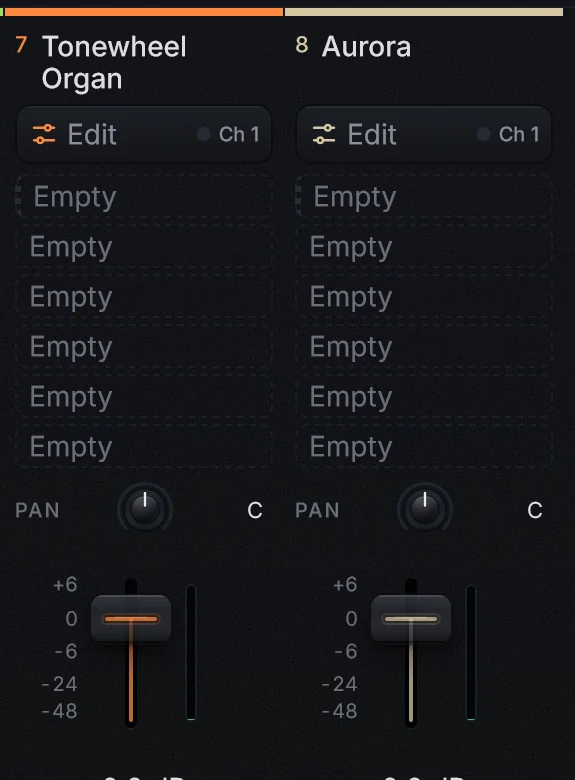
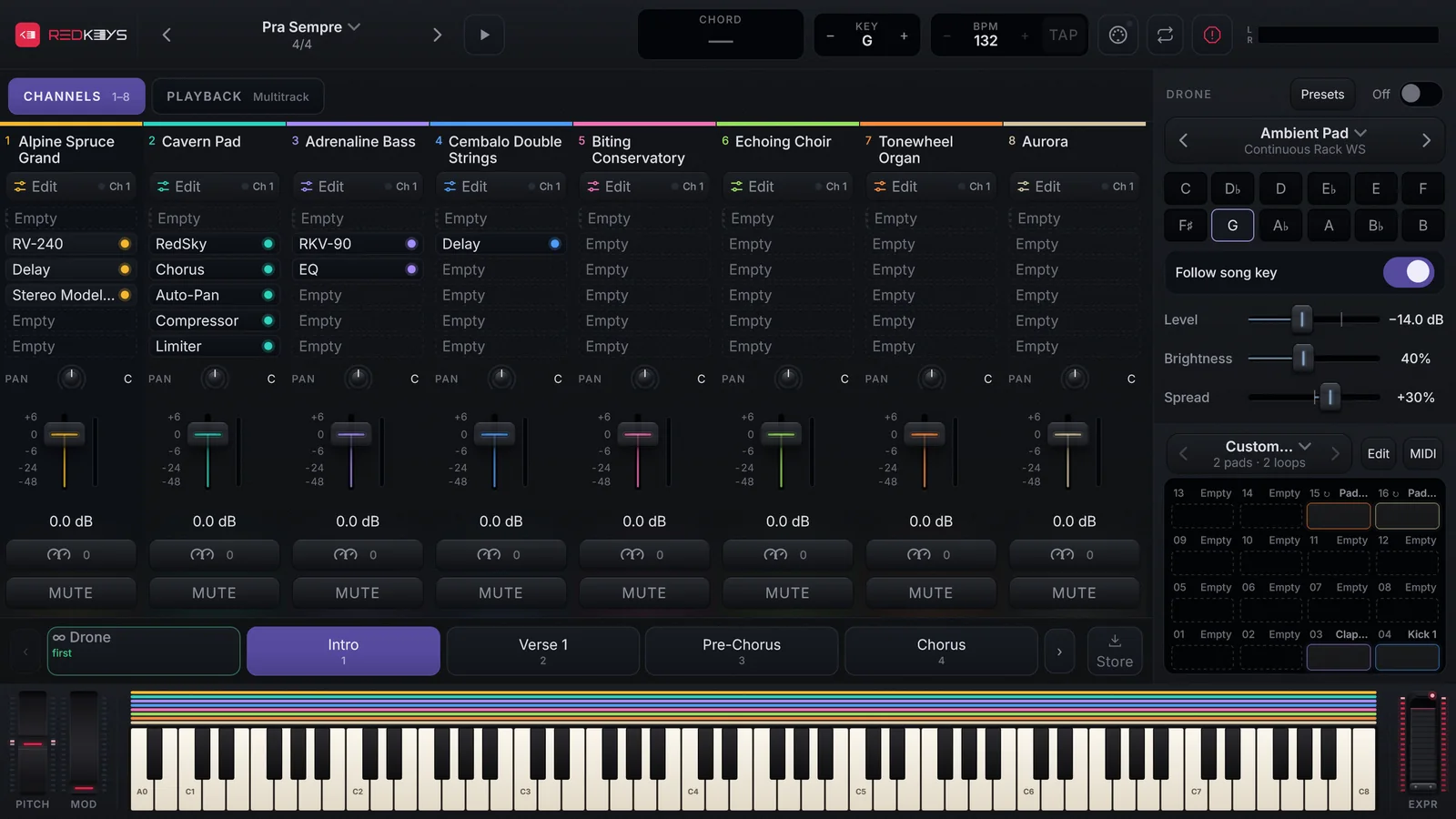
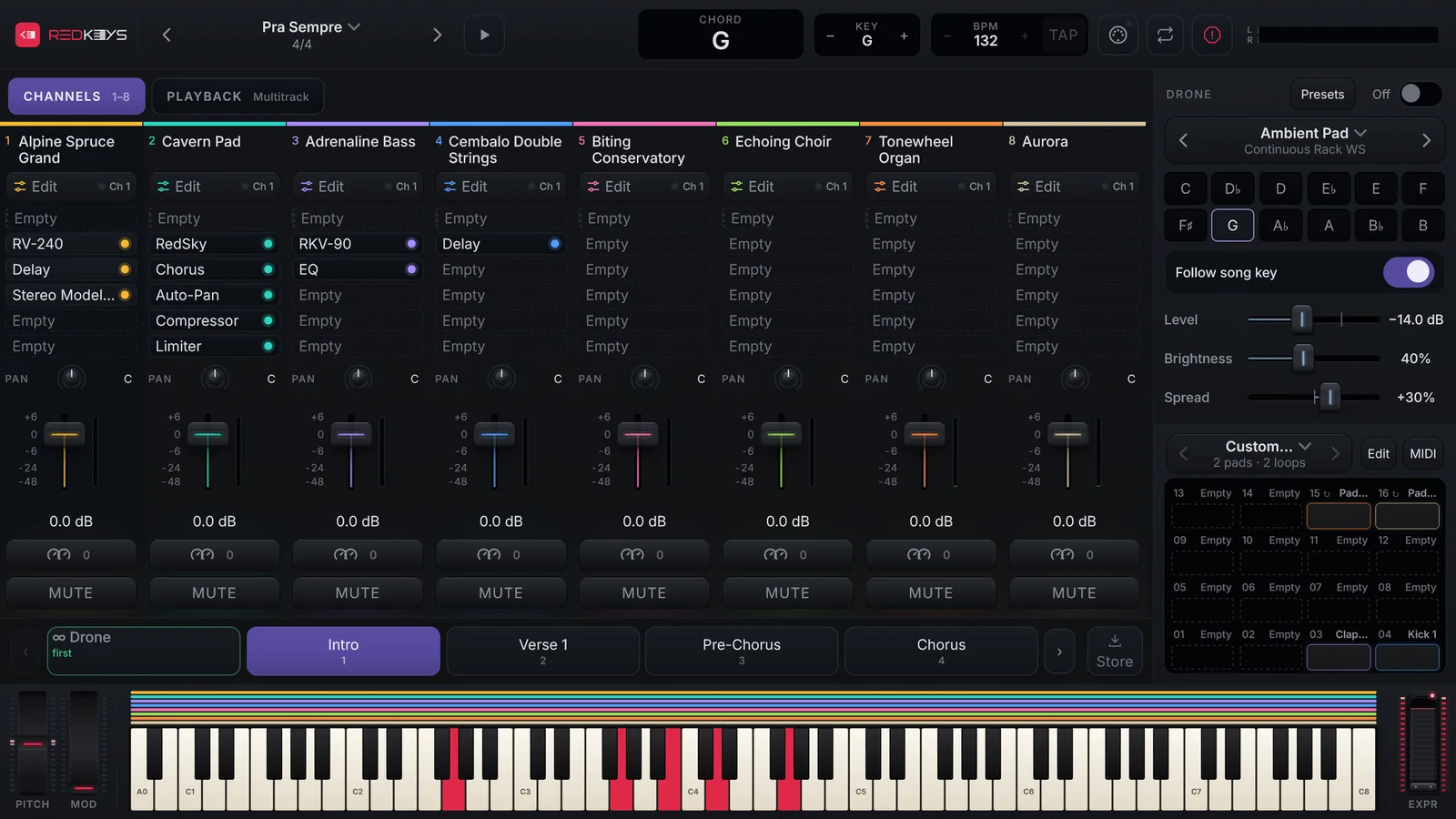
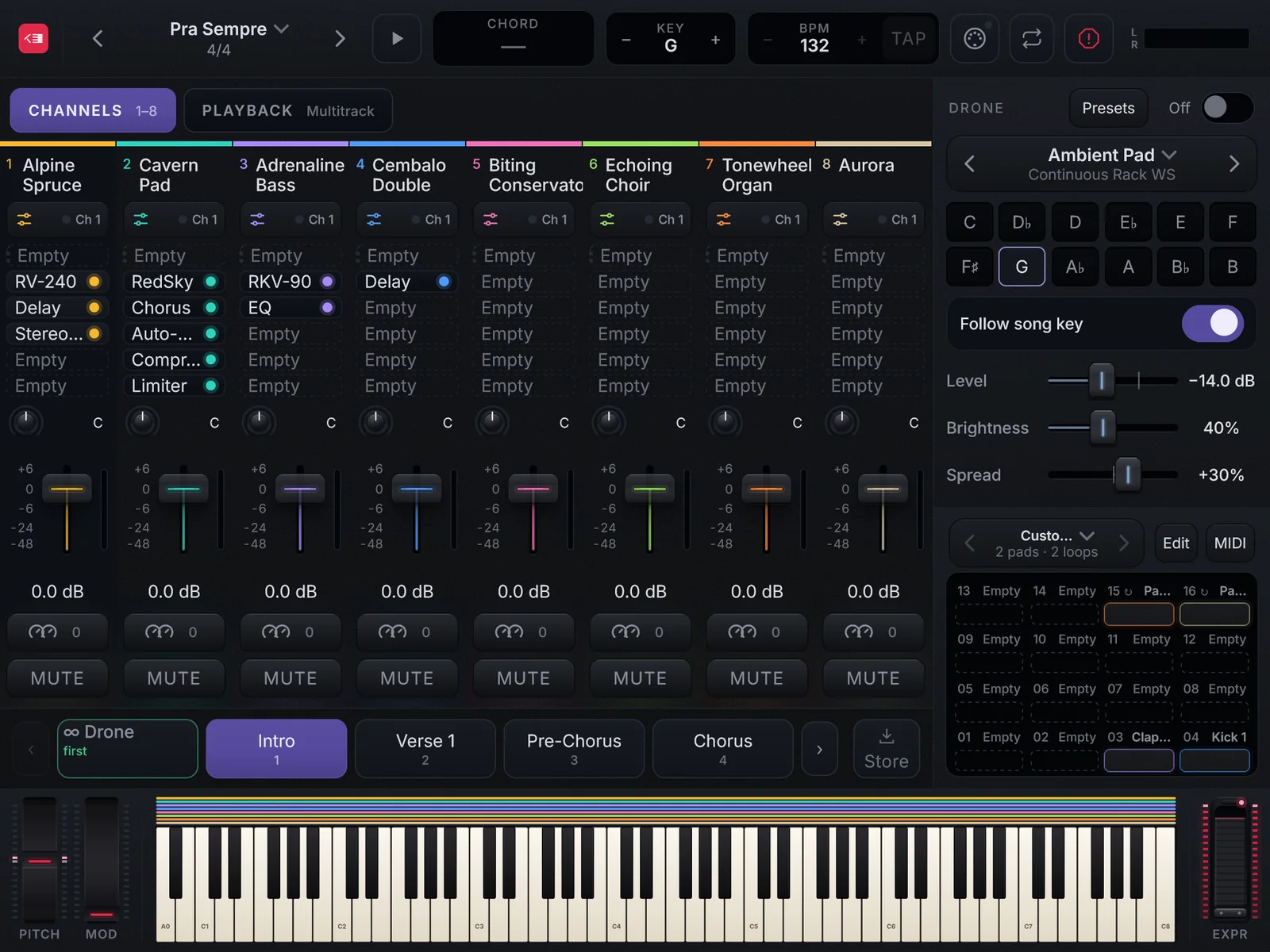
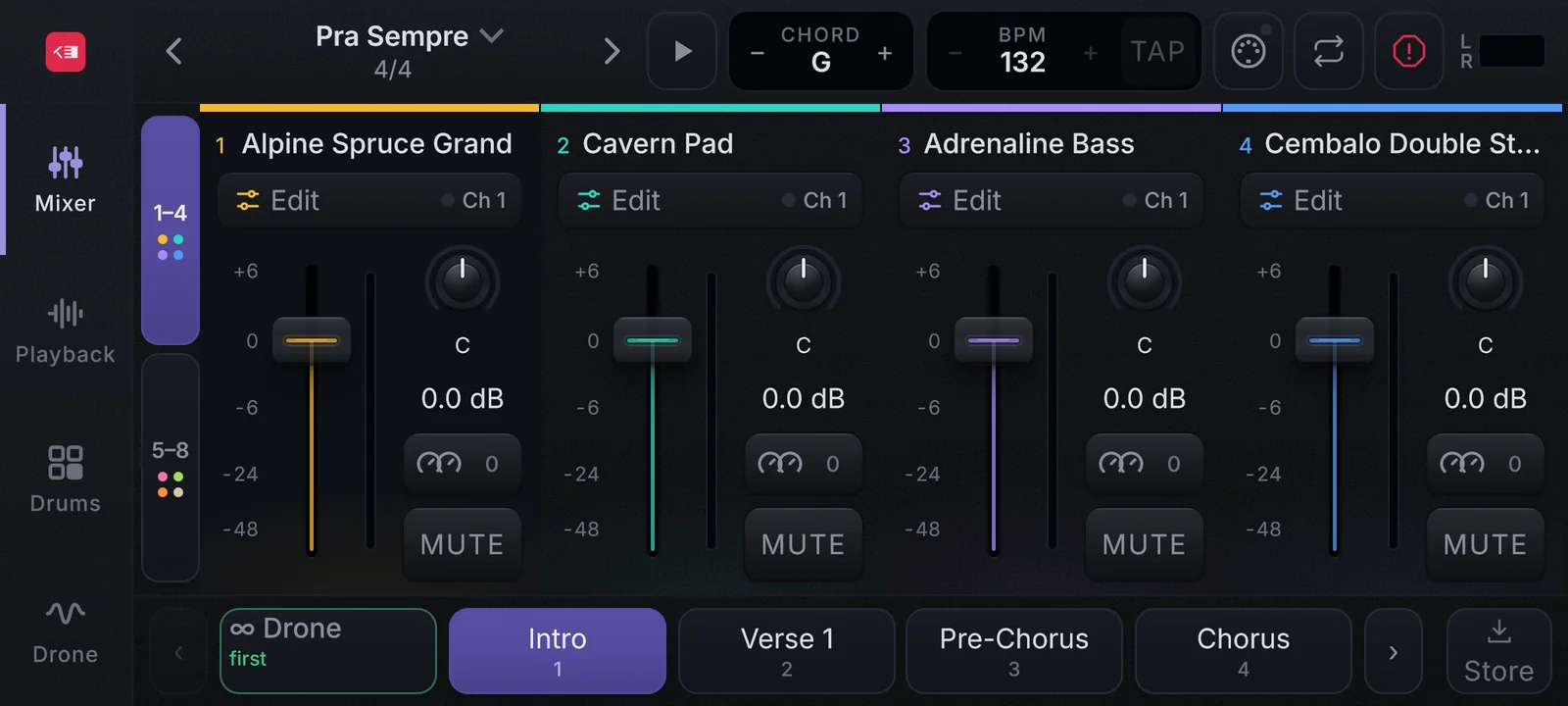
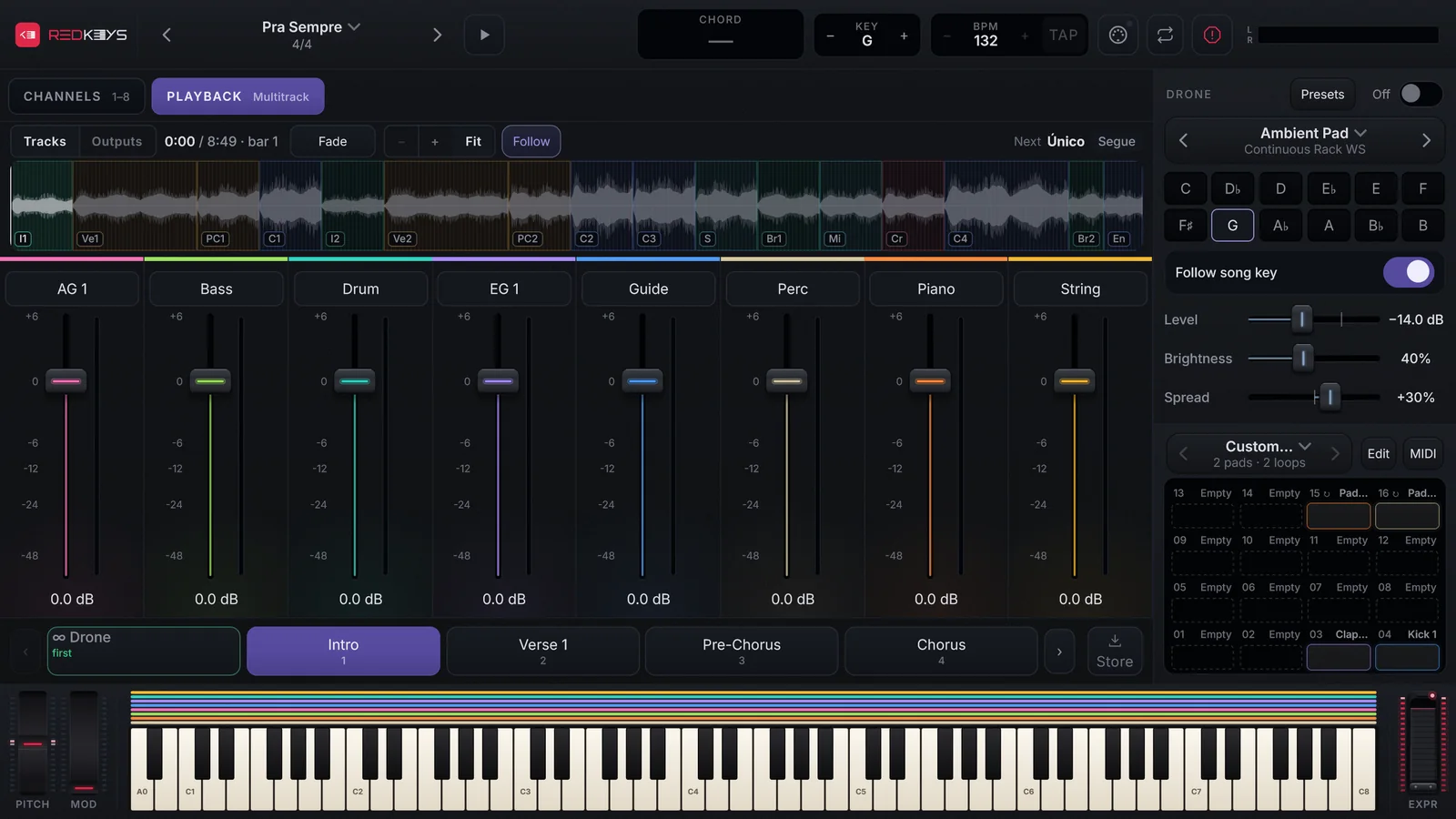
The REDKEYS stage: 8 channels with their effects, the Drone, the DrumPads and the keyboard lit while playing, with the chord on screen
Tablet
Phone

Sounds, pads, Drone and backing tracks organized by setlist, song and part — switching instantly, with no glitches, on the device you already own.

Is playing keys live hard?
It doesn’t have to be.

The keys player covers the transitions and holds the band together on the spot, and today’s songs ask more of the keyboard than ever. But the keyboard on stage rarely has the sounds the song asks for.

Solving it usually costs a lot: a powerful computer with complex software, or the new keyboard the budget never approves.

REDKEYS was made to solve it — on the device you already own.

Buy now

REDKEYS began with a friendship. In 2017, Wesley Henriques and Alison Mota met online, trading patches, years before they first met in person.

At the end of 2021 that friendship became a product: a pack of keyboard sounds called REDKEYS. It grew version after version, with editions for worship and for the sound of Brazil’s North and Northeast, until version 3.2 brought it all together in 2025, resampled in higher quality.

Now REDKEYS is an app: the whole stage, with setlist, Drone, pads and playback, ready to play.

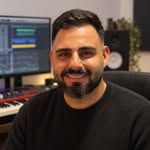
  • Wesley HenriquesWesley HenriquesCo-founder
  • Alison MotaAlison MotaCo-founder

Inside the app

Everything in sight.
You in control.

Real screens of REDKEYS, drawn by the app itself, with a real setlist.

The 8 channels with their effects, the Drone, the DrumPads and the keyboard lit, with the chord on screen.
The 8 channels with their effects, the Drone, the DrumPads and the keyboard lit, with the chord on screen.Real capture
REDKEYS · lifetime licenseBuy now

Why
REDKEYS?

Use what you already own

Use what you already own

A controller keyboard and the device you already own are all you need. REDKEYS runs as an app or inside your DAW, with the lowest latency your audio allows.

512 voices shared by every channel, and when the processor gets tight the app releases the quietest voices instead of clicking.
Prepare fast, sound great

Prepare fast, sound great

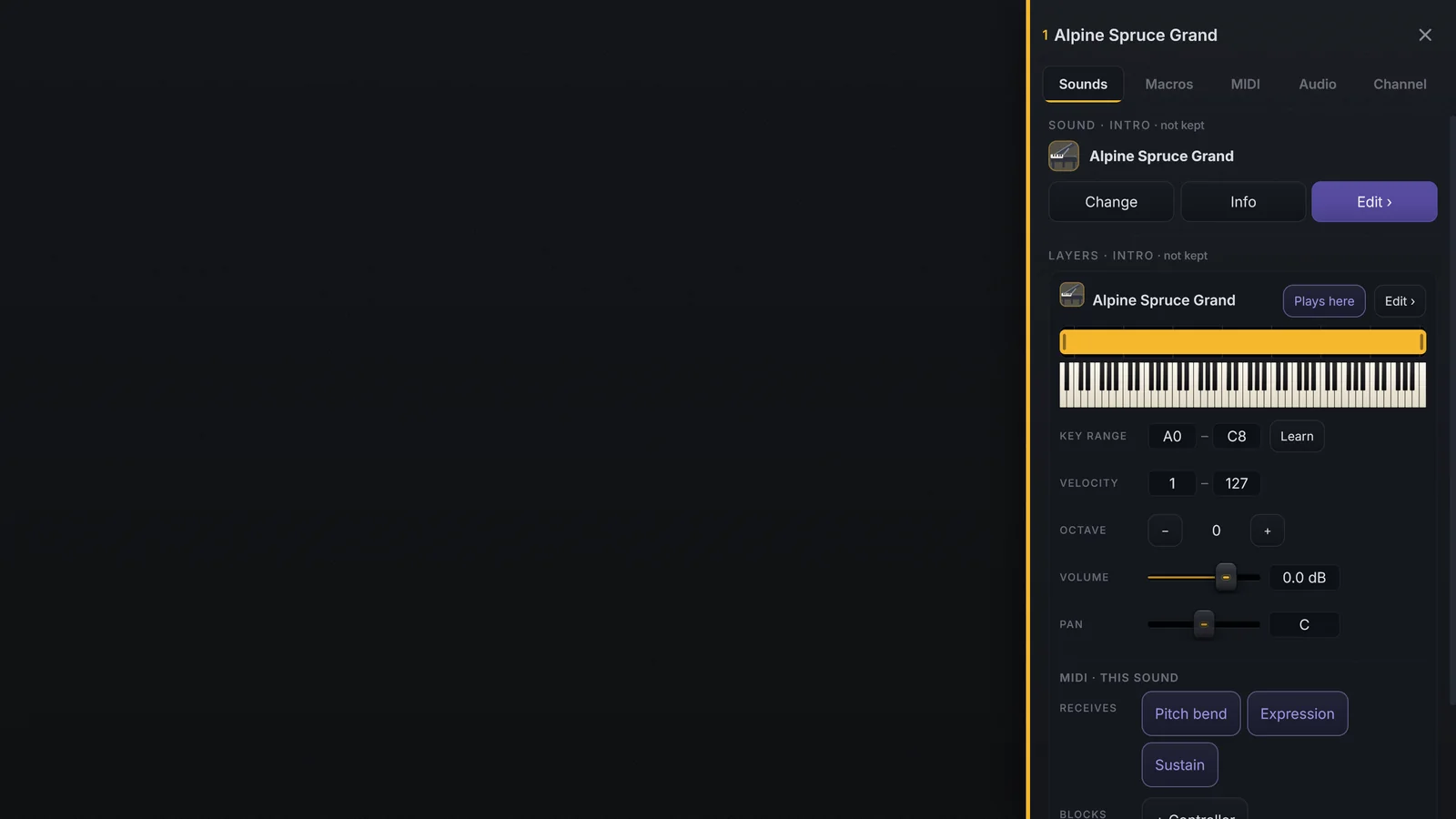
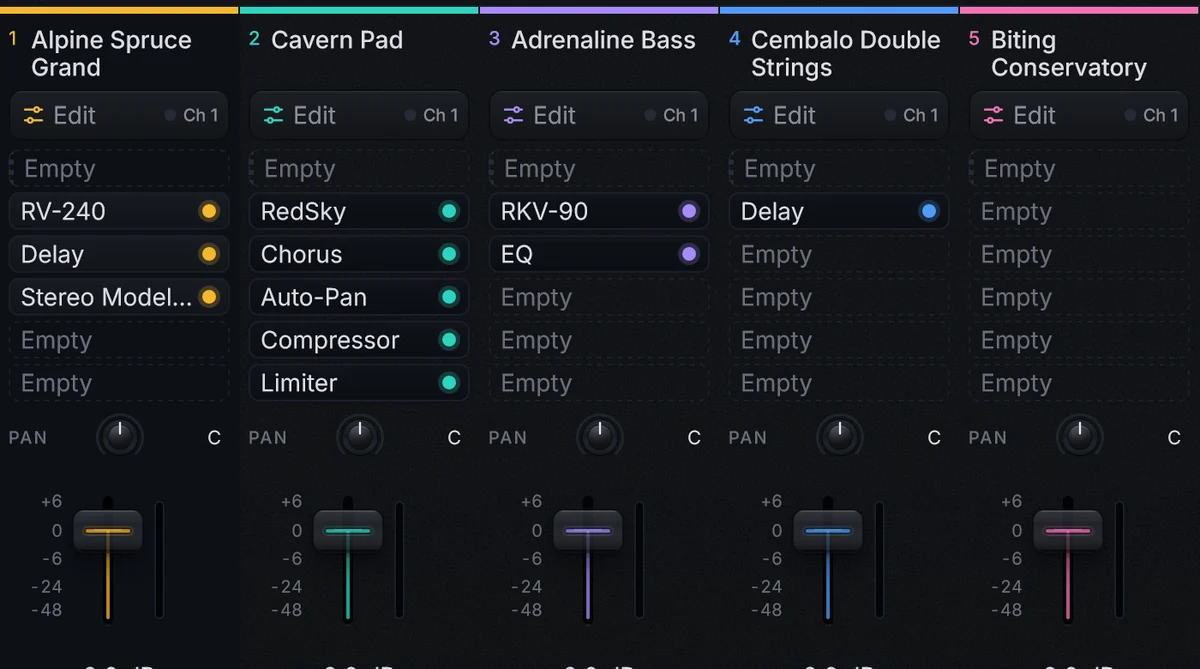
Each channel holds up to 8 sounds, each with its key and velocity range, and up to 5 in-house effects. Build each song once.

What you change in a part comes back every time you return to it.

Everything in one place

Everything in one place

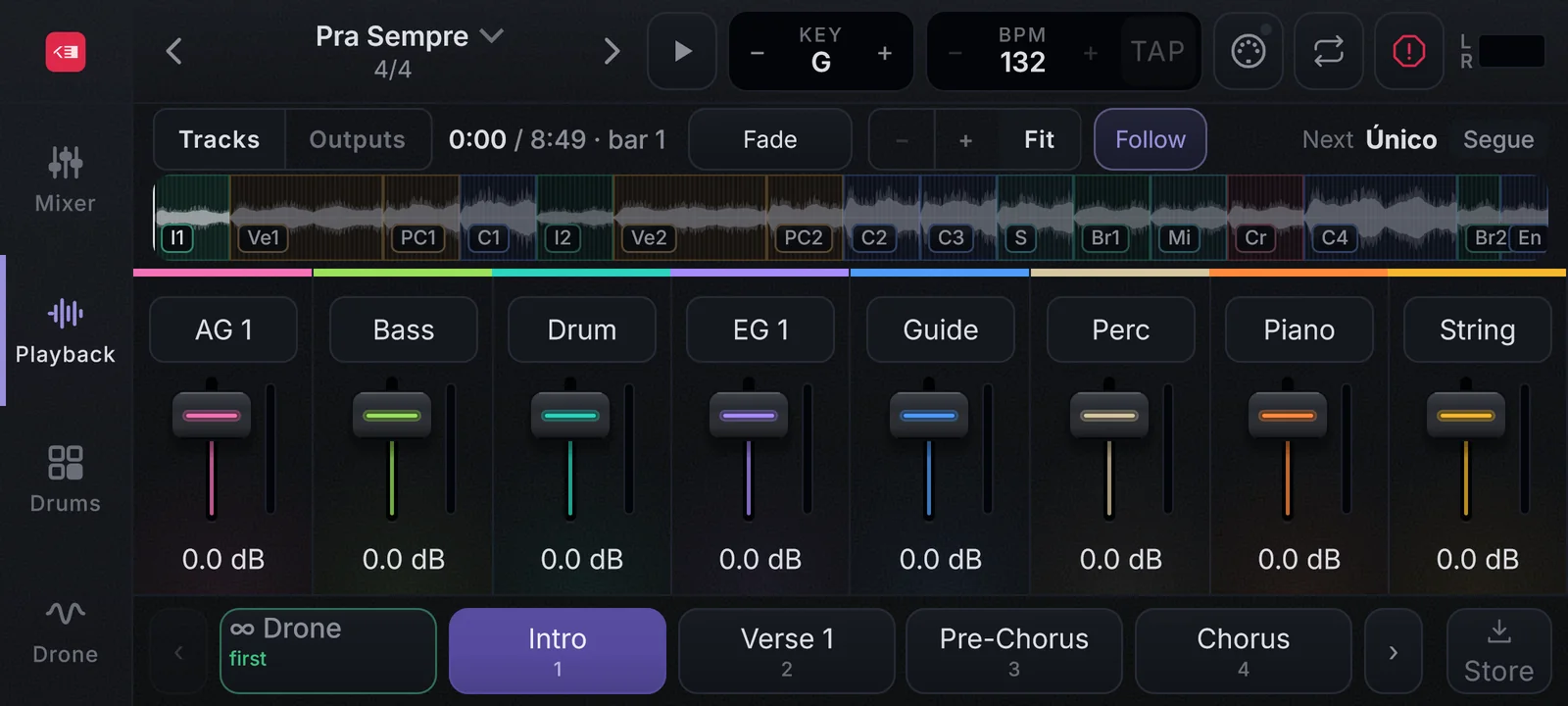
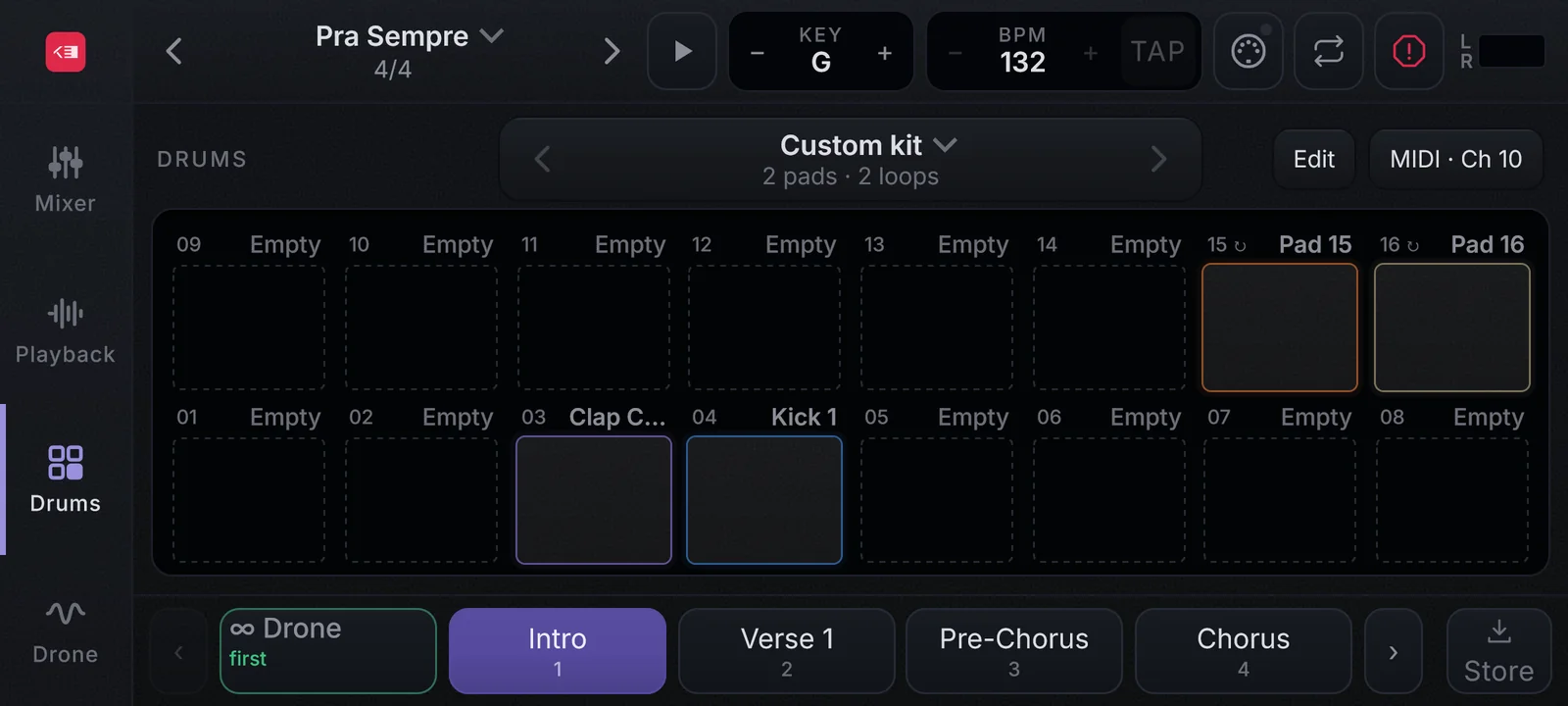
Your sounds, the Drone, 16 DrumPads and playback with up to 8 stems plus the click, in one screen made to be played.

The click has its own bus and never goes to the PA.

What changes
on stage

Buy the license, download the installer from your account and activate with e-mail and serial. The Factory library downloads by itself and resumes if the connection drops.

Pick the keyboard and MIDI channel of each channel, and MIDI Learn maps knobs, faders and pedals with one tap.

Easy setup
Instantpart changes, nothing to load
512voices of polyphony
112instruments included
11in-house effects

The sounds

Real instruments,
inspiring sounds.

Everything below comes with the license.

The Factory library

The Factory library

41 pianos (grand, upright, electric and digital), 33 synths, 21 pads and 8 world instruments, ready right after activation.

  • Alpine Spruce Grand
  • Cavern Pad
  • Echoing Choir
Drone

Drone

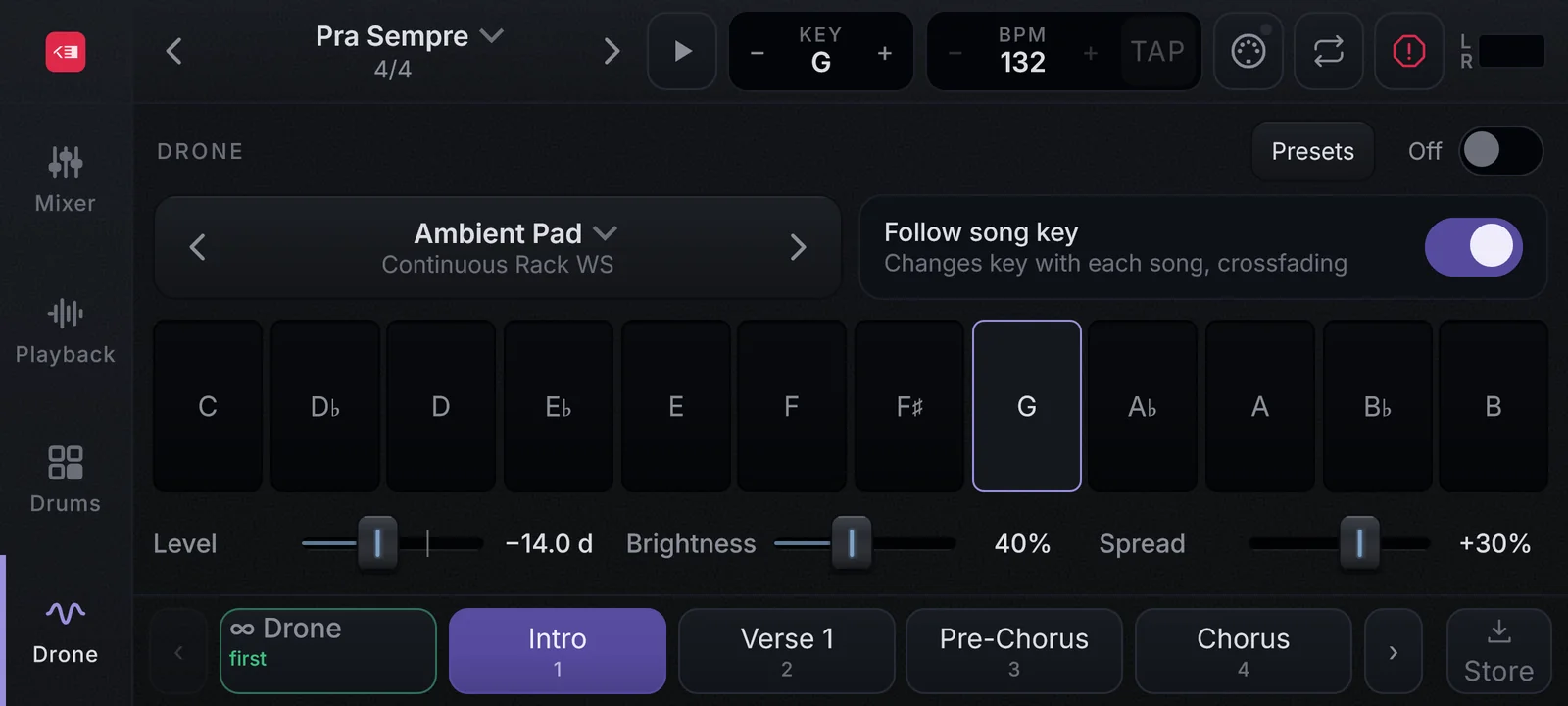
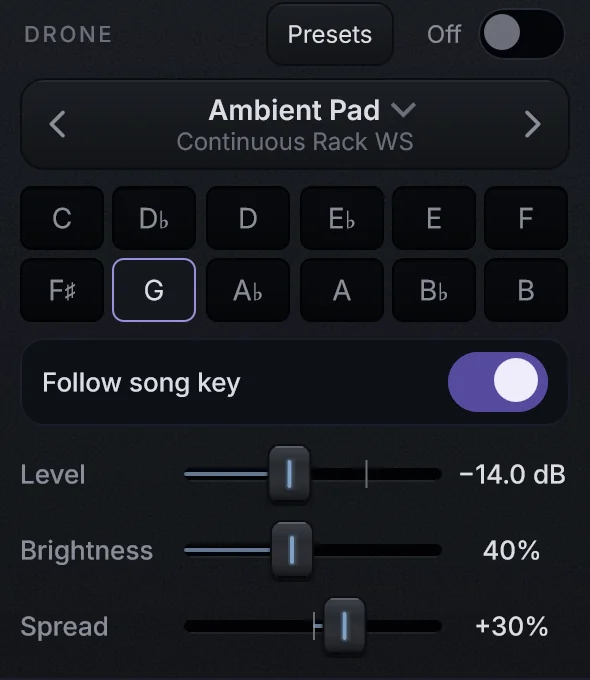
A continuous pad for every key, with 9 presets. It crossfades with no cut and can follow the song key.

  • Ambient Pad
  • Follow song key
  • Level · Brightness · Spread
Aurora and Tonewheel Organ

Aurora and Tonewheel Organ

A 32-voice synth with 1,479 presets and a tonewheel organ with 9 drawbars and 113 presets.

  • Unison and arpeggiator
  • Rotary speaker
  • Drawbars on your faders
41
Pianos
33
Synths
21
Pads
8
World
9
Drone

112 instruments · about 3.9 GB · resumes if the connection drops

The effects

Faces you know.
Sound you can trust.

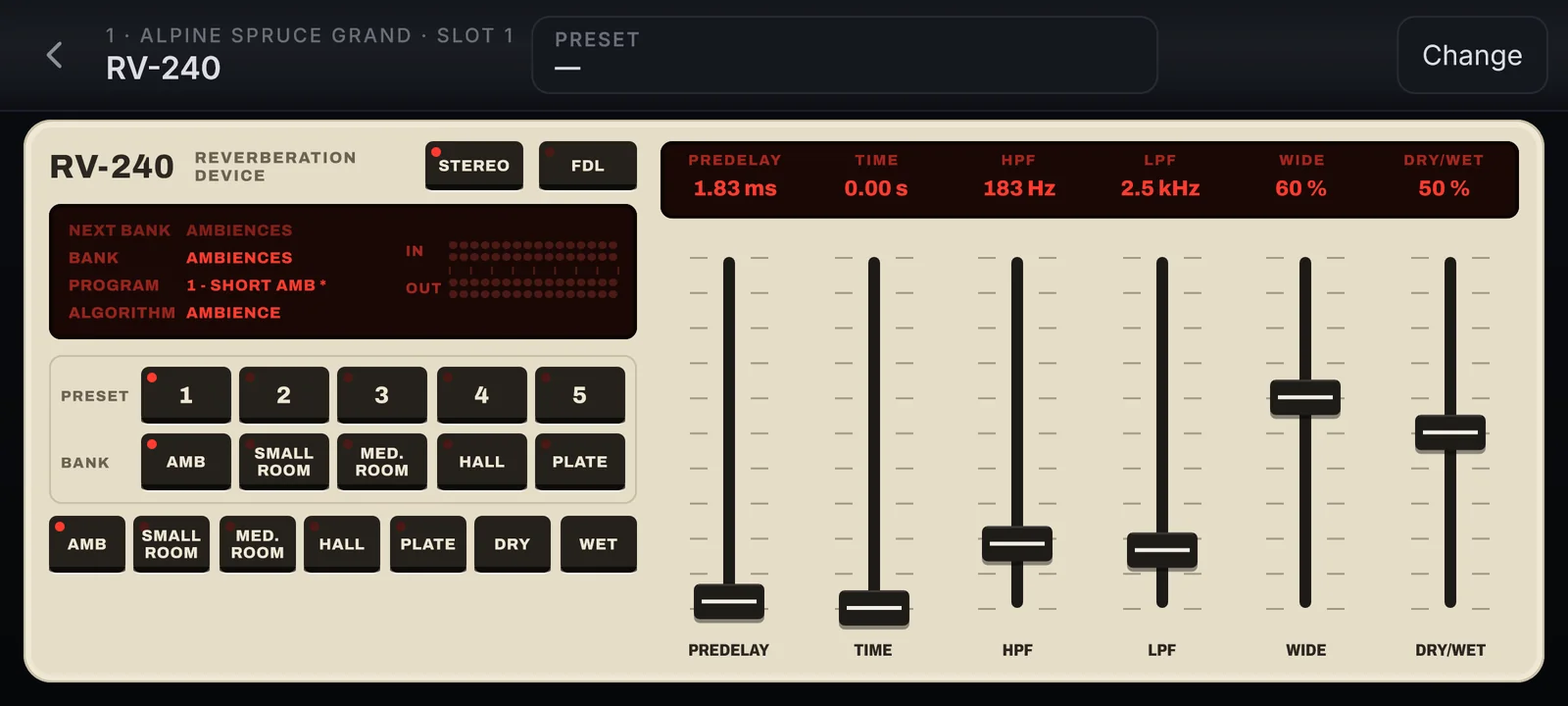
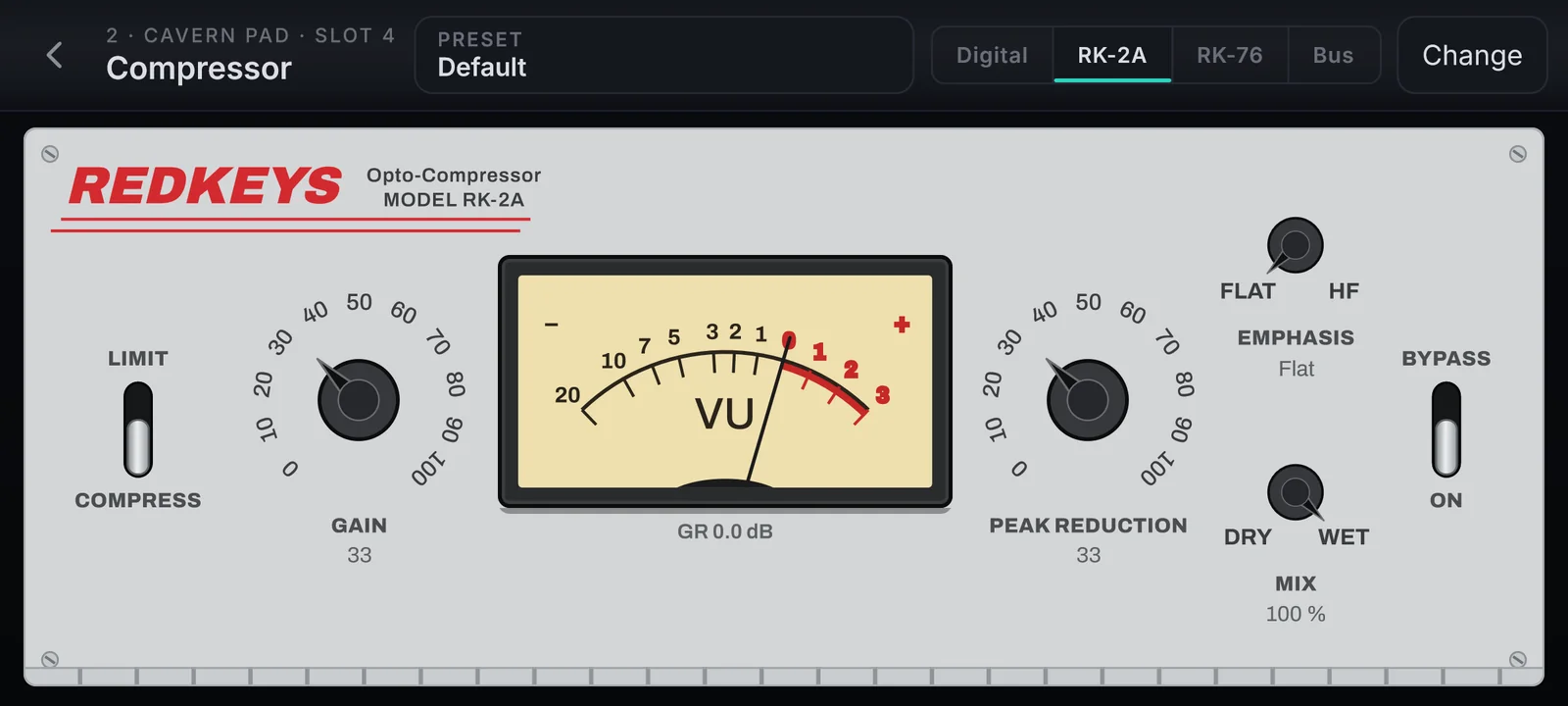
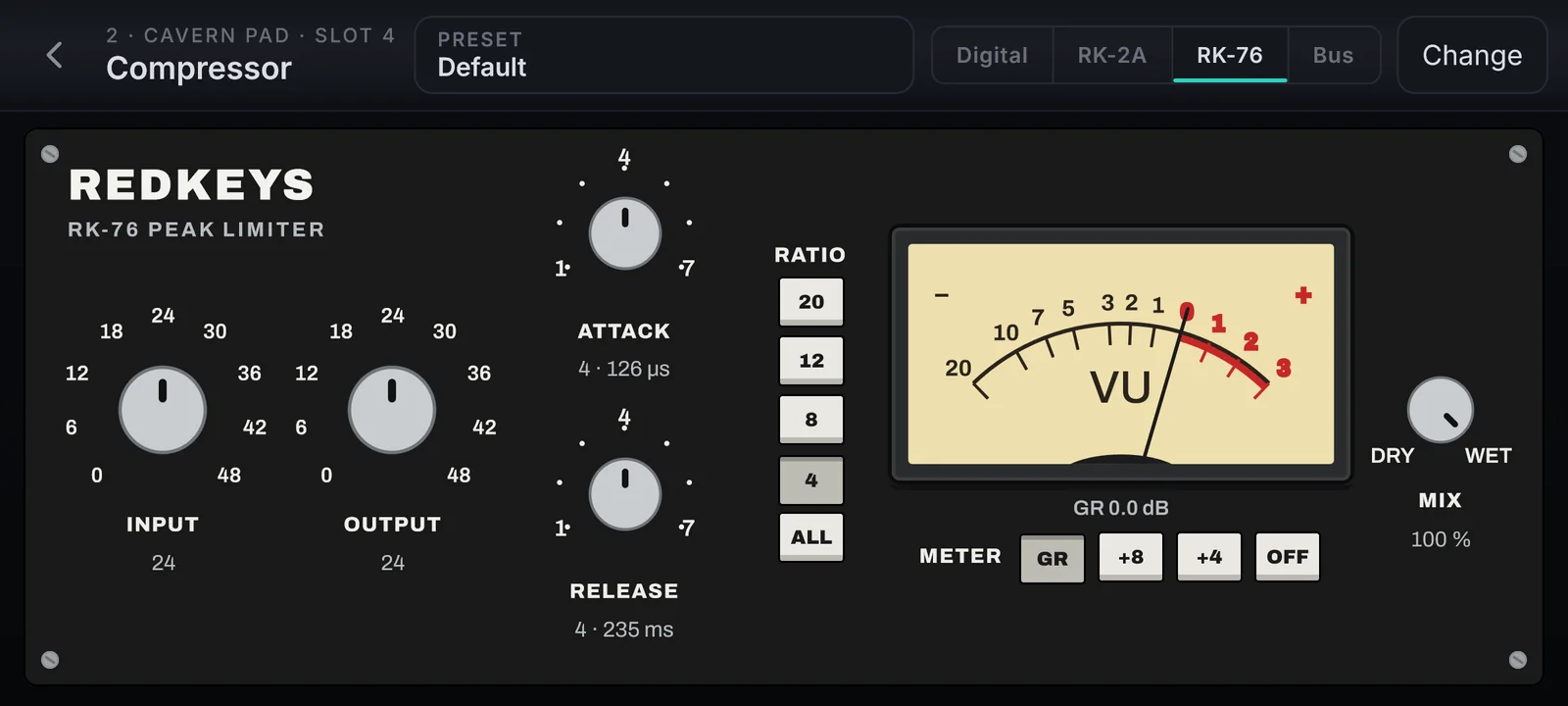
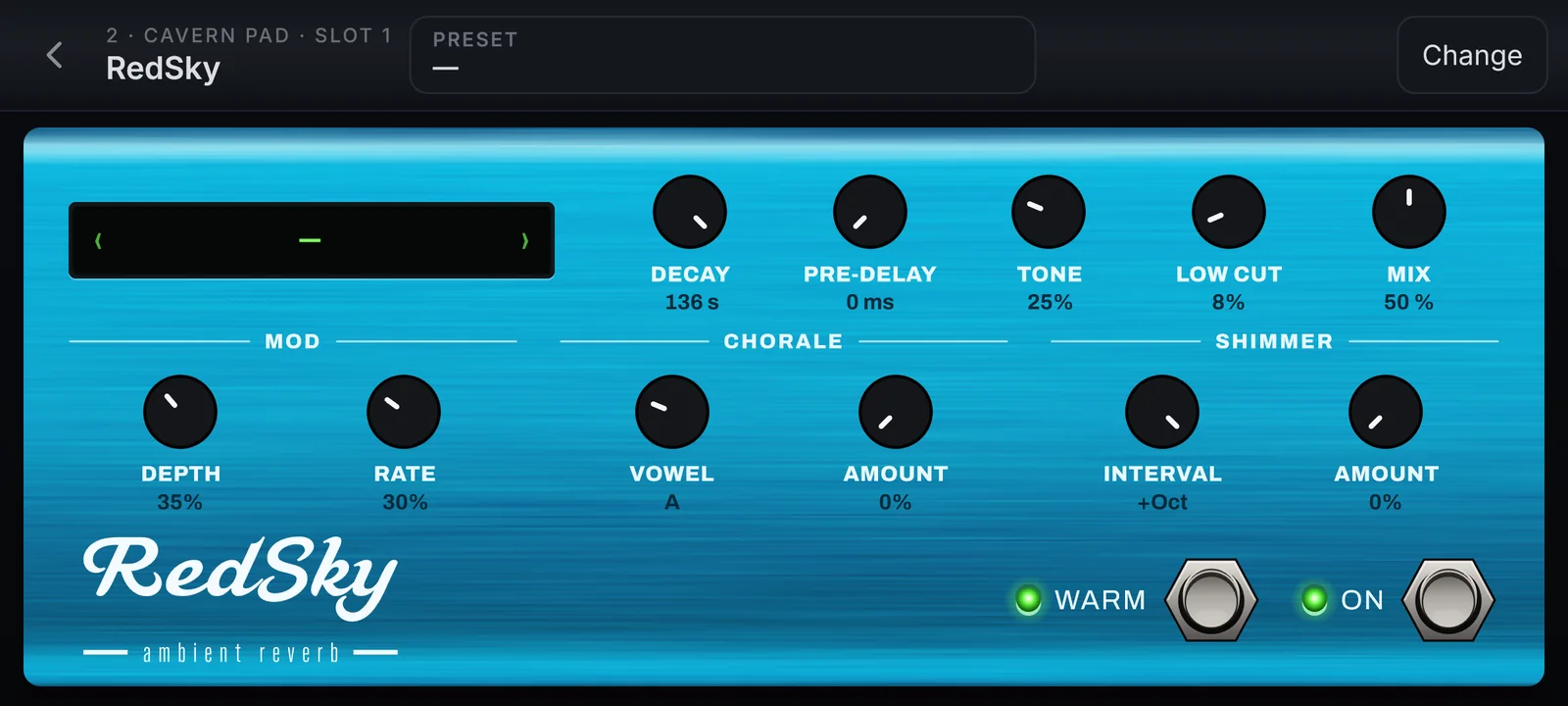
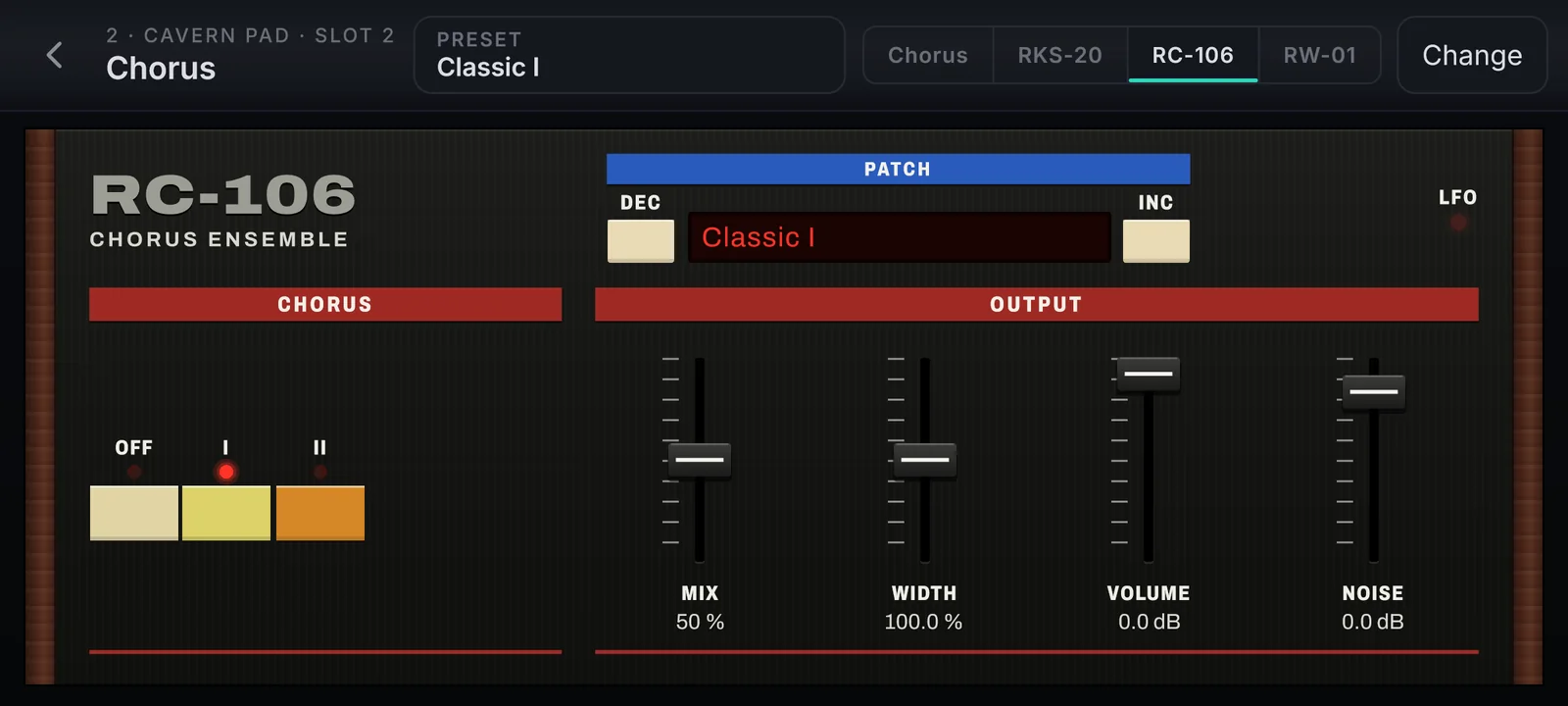
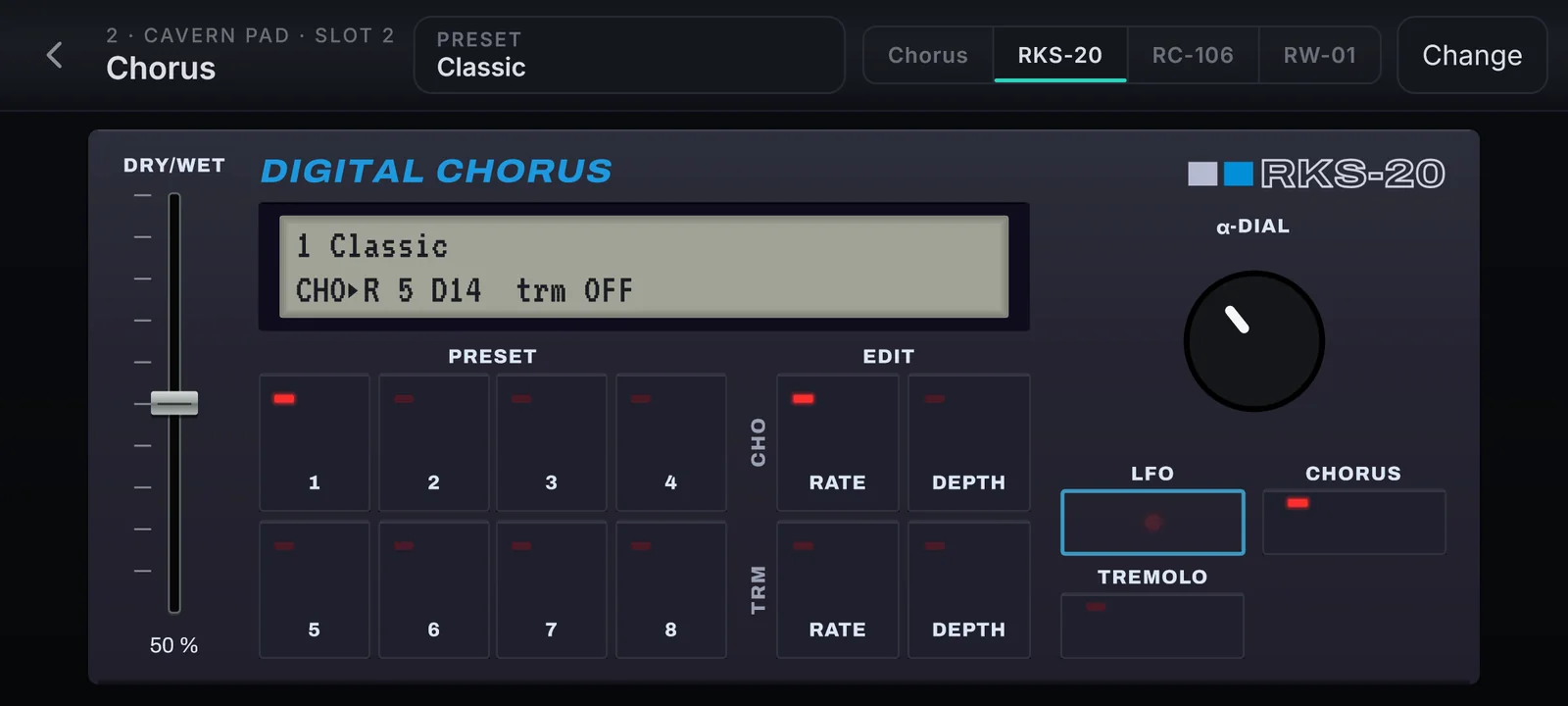
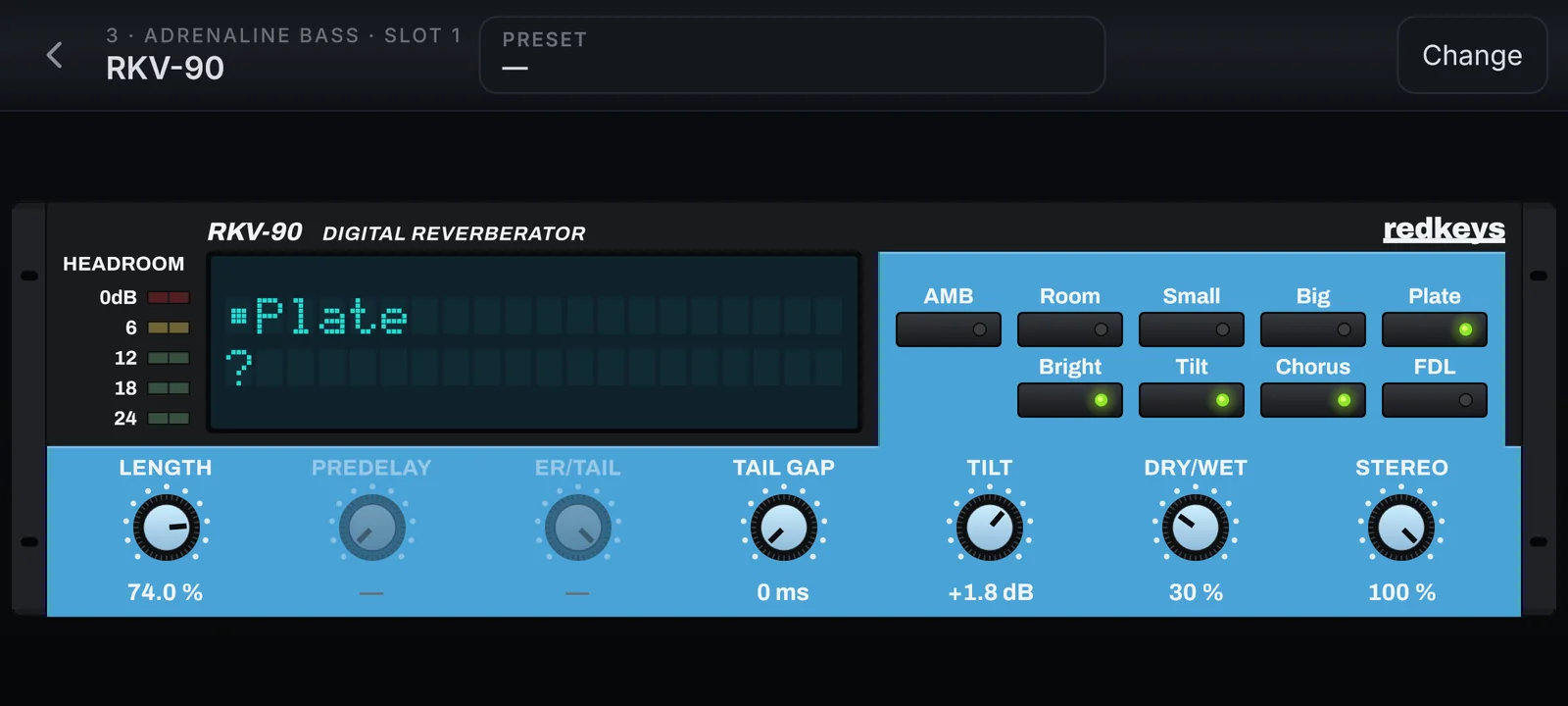
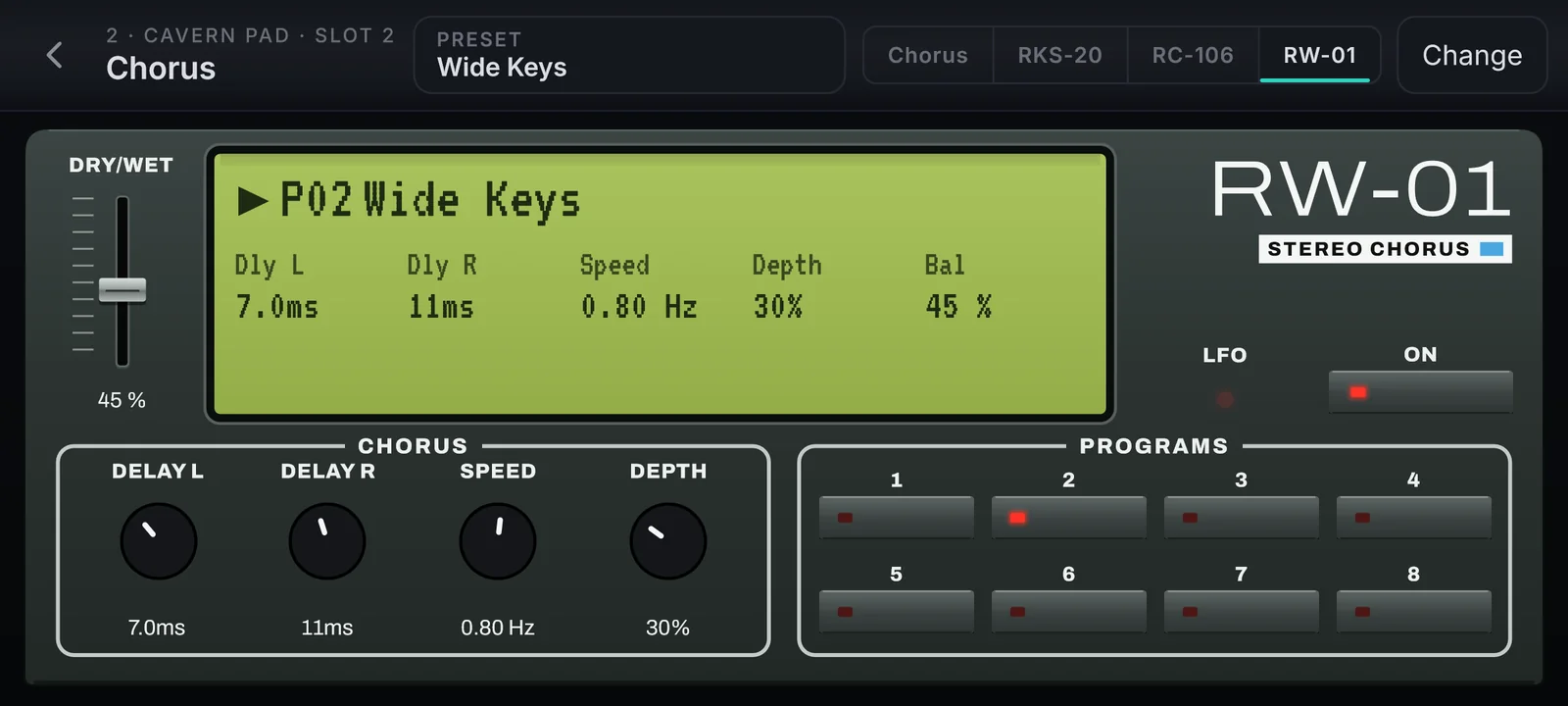
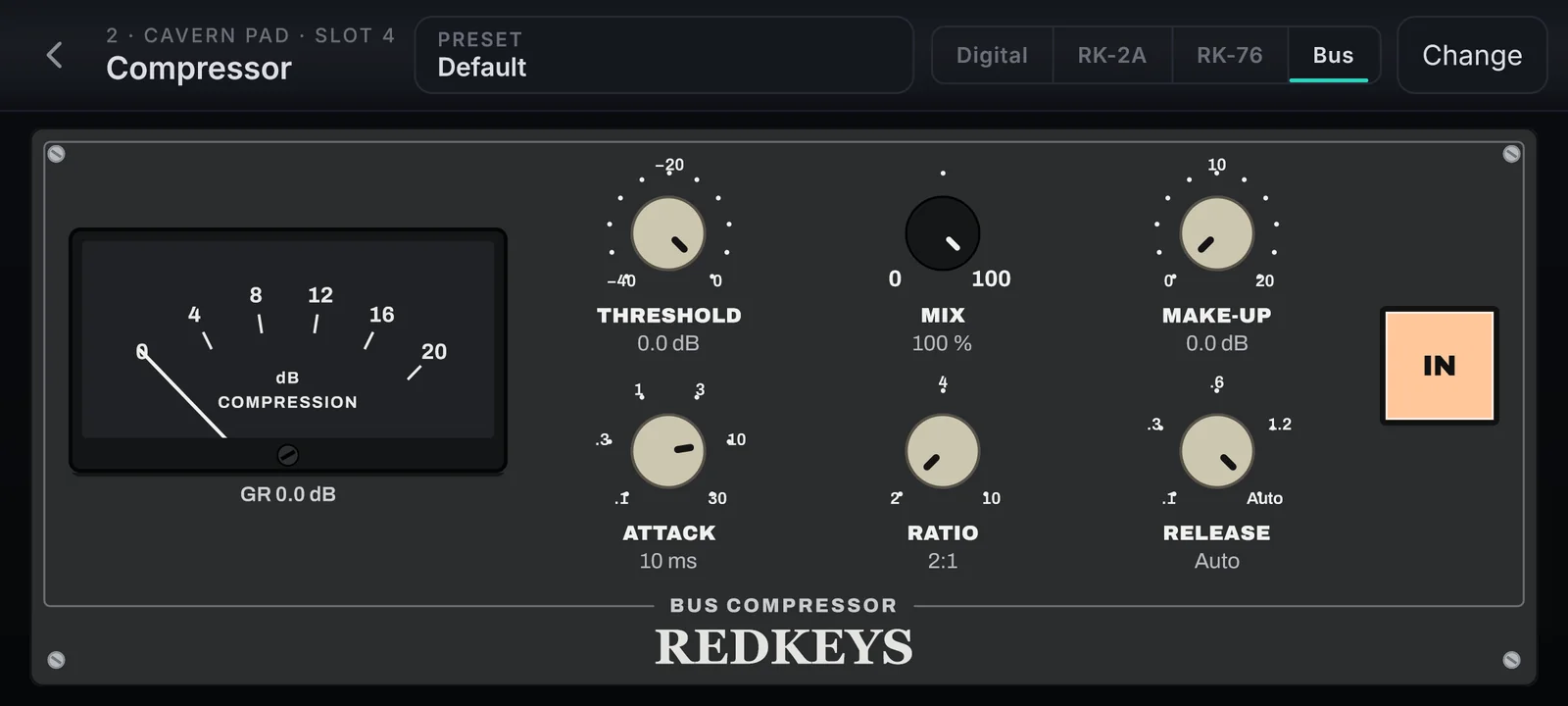
Up to 5 effects on every channel. Many of them wear the face of the studio classic behind their sound, with every knob where your hands expect it.

RV-240 · Reverberation device
RV-240Reverberation device
RK-2A · Optical compressor
RK-2AOptical compressor
RK-76 · Peak limiter
RK-76Peak limiter
RedSky · Ambient reverb with shimmer
RedSkyAmbient reverb with shimmer
RC-106 · Chorus ensemble
RC-106Chorus ensemble
RKS-20 · Digital chorus
RKS-20Digital chorus
RKV-90 · Digital reverberator
RKV-90Digital reverberator
RW-01 · Stereo chorus
RW-01Stereo chorus
Bus · Bus compressor
BusBus compressor

Plus Delay, EQ, Auto-Pan, Limiter, Stereo Modeller and RK-Ambience. Every one with Dry/Wet.

Where you play

Your stage
goes with you.

Always landscape, in three layouts that fit the screen. The same show on every one.

Desktop
Desktop
Tablet
Tablet
Phone
Phone

Your next rig

Your next show
starts today.

Lifetime license

US$ 169

  • The REDKEYS standalone app and the plugin
  • The Factory library: 112 instruments
  • The Aurora synth and the Tonewheel Organ
  • All version 1 updates
  • 2 devices

Activation with e-mail and serial, sent to you when you buy. Secure checkout · 7-day refund.

Questions

Let us clear
your doubts.

Licence and purchase

How does the licence work?

The app licence is lifetime: REDKEYS and the Factory library stay with you, with every version 1 update included.

On how many devices can I use it?

On 2 devices at the same time. Each computer, phone or tablet counts as one.

Does one licence work on the other systems?

Yes. The same licence works on every system REDKEYS runs on, always on up to 2 devices.

How do I pay?

In reais through Cakto (PIX or card) or in dollars through Gumroad. The serial reaches your e-mail as soon as the payment is approved.

Can I get a refund?

Yes, within 7 days of the purchase. Write to suporte@redkeys.com.br with your purchase e-mail and order number.

Activation

How do I activate it?

Open REDKEYS, type the e-mail of your purchase and the serial you received, and the Factory library downloads by itself.

I lost the e-mail with my serial.

Search your inbox, spam and promotions for REDKEYS. Your serial is also in your account at conta.redkeys.com.br, where you sign in with your purchase e-mail.

I changed computers. What now?

In your account, under Devices, unlink the old one and activate the new one with the same e-mail and serial. Reinstalling on the same computer does not take another slot.

Do I need internet?

To activate and to download the library. Playing runs on your device, with no connection.

Backup and your devices

How do I back up my work?

In the Setlist, Export file… and "Everything on this device" save your setlists, songs, presets, your own sounds, your audio, MIDI mappings and settings in one file. Import file… brings it all back.

How do I take a setlist to another device?

Export the setlist (with or without its audio) or a single song, send the file by AirDrop or USB cable, and use Import file… on the other device.

Do I need to copy the library?

No. On a new device the library downloads again when you activate, with everything your account owns. The backup keeps only which library sounds each song uses.

Where are my files?

In a REDKEYS folder in your Documents, apart from the installation. Uninstalling the app does not erase it.

Is there a cloud backup?

Not yet. Today your backup is a file you keep wherever you like.

On stage

What about latency?

With an audio interface and its own driver you get the lowest latency. Without one, REDKEYS uses your device’s own sound output. If you hear clicks, raise the buffer one step.

Will my keyboard or controller work?

Any MIDI keyboard or controller, by USB or Bluetooth. Each channel listens to the device and MIDI channel you choose, and MIDI Learn maps knobs, faders and pedals with one touch.

Can I use it inside my DAW?

Yes, as an instrument plugin. Activation and downloads stay in the standalone app.

How many tracks does the playback have?

One backing track or up to 8 stems, plus the click, which never goes to the PA.

Sounds

What sounds come with it?

112 instruments (41 pianos, 33 synths, 21 pads, 8 world instruments and 9 Drones), plus the Aurora synth and the Tonewheel Organ.

Can I use my own sounds?

Yes. Open libraries in the most used sampler formats and your audio files: Open file… plays them right away and Save to My Sounds keeps them as your instruments, which travel with the setlist.

What language is the app in?

English. The site, the documentation and support are also in Portuguese.

Where do I get help?

In the step-by-step documentation at docs.redkeys.com.br, or write to suporte@redkeys.com.br and we will answer.

Made by people who play

Get REDKEYS
news first.

The launch, new sounds and offers, in your inbox.